
Content Creation
HOW TO FILM BUSINESS VIDEOS WITH YOUR PHONE: A PRACTICAL SHOT LIST
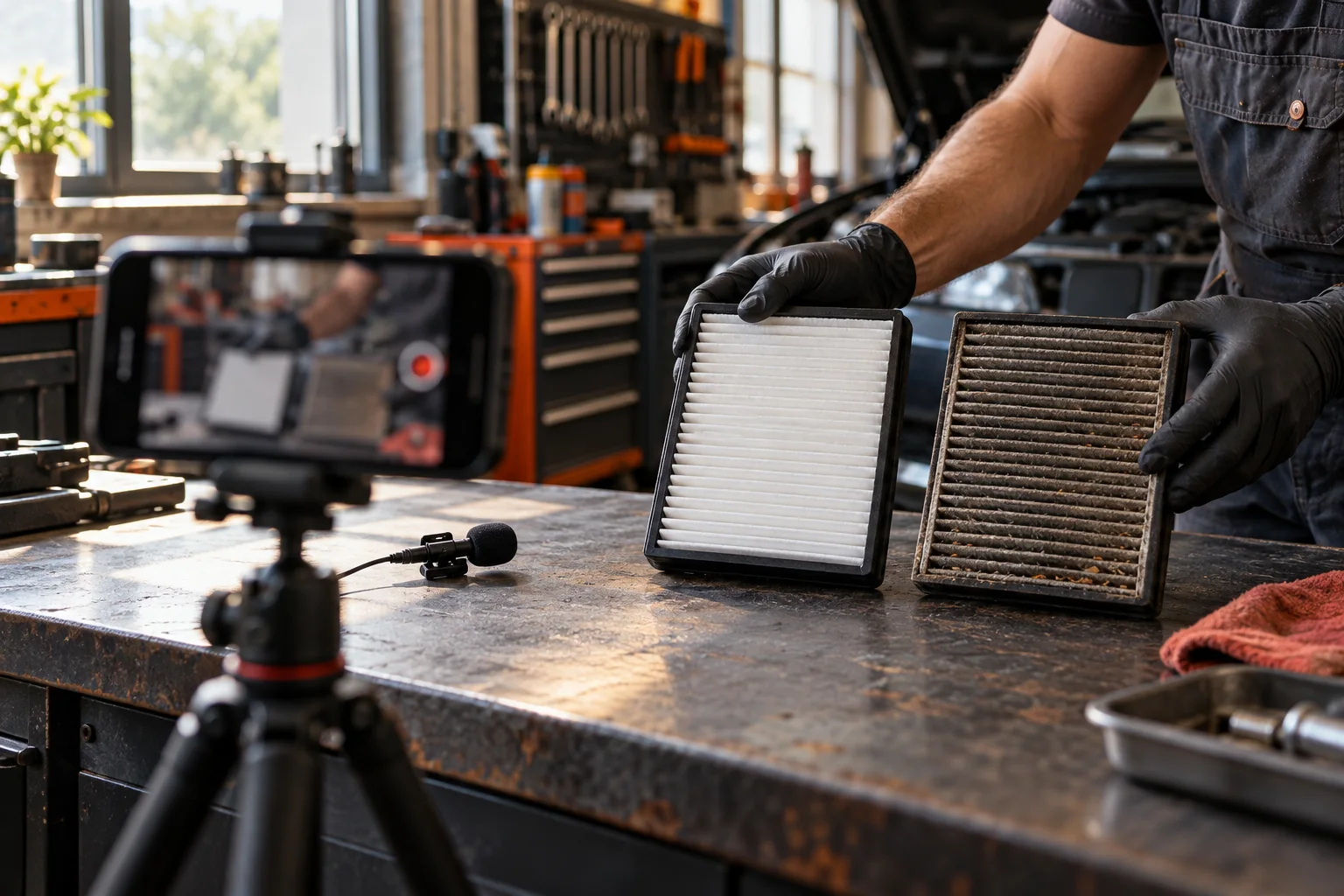
In short: You don’t need a studio. Pick one question, set the phone somewhere steady, check your light and sound, and use the five-shot list below. Play it back before you leave the job.
If a customer asks a good question while you’re working, you don’t need a studio to answer it. You need a clear answer and a video people can see and hear.
Here’s how to film business videos with your phone without turning every post into a production.
Pick one thing to explain
Write the question at the top of a note. Under it, write the answer in one sentence and the thing you’ll show to explain it.
For an auto shop: “What does a dirty cabin filter look like?” Show the filter, explain what it does, and point out what you look for before recommending a new one.
Now the video has a subject. A tour of everything in the shop is a lot harder to follow.
If you’re stuck on what to film, start with the content pillars worksheet.
Get the basics right
Wipe the lens. Put the phone somewhere steady. For a vertical video, keep the person or the demo away from the edges of the frame.
Use the back camera when you’re filming your work. If it crops out what you’re doing, try the wide lens and make sure the detail still looks clear. A wide shot sets the scene. A close-up shows the part you’re explaining.
Use soft light from a window or some shade when you can. Look at the screen for a face in shadow, a blown-out background, or glare on the thing you’re showing.
Record a quick sound check first and play it back. If a machine, the wind, or music is louder than you, move somewhere quieter or record your voice separately. A mic helps, but it won’t rescue every loud job site.
Play the whole thing back before you leave. It’s a lot easier to redo one line while everything’s still in front of you.
Pick a format you can repeat
You don’t have to stand in one spot and talk every time. Start with a few of these:
- Demo: Show the work while you explain the step.
- Comparison: Put two options side by side and explain when each one fits.
- Question and answer: Read the customer’s question, then answer it straight.
- Two people: One asks what the viewer’s thinking, the other explains.
- Voiceover: Film the work, then talk over it afterward.
Try a few. See which ones you can make well and which ones people respond to. Then keep using those with new questions and new jobs.
A five-shot list for short-form video
The exact shots depend on the work. This is a starting point, not a rule.
| Shot | What it’s for | Filter example |
|---|---|---|
| Context | So they know what they’re looking at | The bench and the parts |
| Main answer | Answer the question | What the filter does |
| Detail | Make the difference easy to see | A close-up of the material |
| Comparison | Show how you got to your answer | Clean filter next to dirty, labeled right |
| Finish | What to check or ask next | What a shop needs to know |
Keep hands, tools, and the phone somewhere safe. Set up the shot before you start the work, or have somebody else film it.
For a quick job story, grab a few shots before you record your voice: where it started, a close-up of the problem, the work, and the result. Open with the shots that make the story easiest to follow, then talk while they watch it happen.
Use a few notes, not a paragraph
Write down the opening, the two or three points you need to hit, and how you’ll finish. Then explain it like somebody’s standing next to you.
You can film it in short pieces. Leave a second of quiet before and after each take so it’s easy to edit. If you mess up, just say the sentence again. Don’t start the whole thing over.
If you don’t want to be on camera, talk over a demo or have somebody on your team do it. People just need to know who’s explaining and what they’re looking at.
Edit so it makes sense
Cut the false starts and anything that doesn’t help answer the question. Keep the steps people need to follow it. Faster isn’t always clearer.
Check the captions yourself, especially trade words, prices, and measurements. Keep the text off the part you’re explaining. Watch it on your phone at normal size before you post.
If you add music, use music you’re allowed to use. Just because a song is in the app doesn’t mean it’s cleared for a business account or an ad.
Check it before you post
- Does the opening match the answer?
- Can you hear every word?
- Can you see the important detail on a small screen?
- Are customer names, addresses, and paperwork out of the shot?
- Do you have permission for the people and the job you showed?
- Are the captions and the facts right?
- If something was staged or made up for the example, did you say so?
Save the raw footage and the finished video with a name you’ll recognize. Add it to your content calendar, then write down what people ask after it goes out. Their next question might be your next video.
One more thing. Raw phone videos like this usually make better ads than polished ones, because they don’t look like ads. When one of yours gets the right people asking questions, that’s the one we’d put money behind. Here’s how we run Facebook ads, and the free marketing playbook shows the formats we use.
We can do this for you
You can do everything above yourself. Most owners do not have the hours. Dead River Management builds and runs the marketing for service businesses. We work in El Paso and across the country. You keep running the business. We handle the ads, the landing page, and the follow-up. You judge us on booked jobs, not reports. See Facebook Ads, read about The $100K Guarantee, or book a strategy call.
YOU MAY LIKE THIS
 Content Pillars for Small Business: Turn Customer Questions Into PostsOct 18, 2026
 How to Write Video Scripts for Your Business Without Sounding ScriptedOct 18, 2026
 Short-Form Video Hooks: Open With Something Your Customer Cares AboutOct 18, 2026
CASE STUDIES
BECOME OUR NEXT SUCCESS STORY
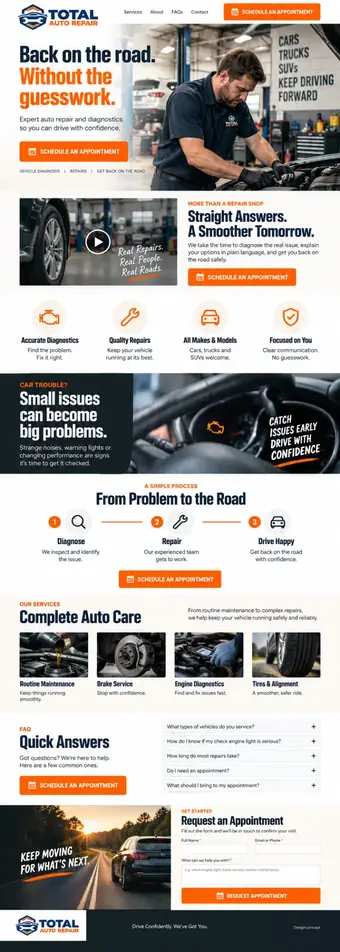
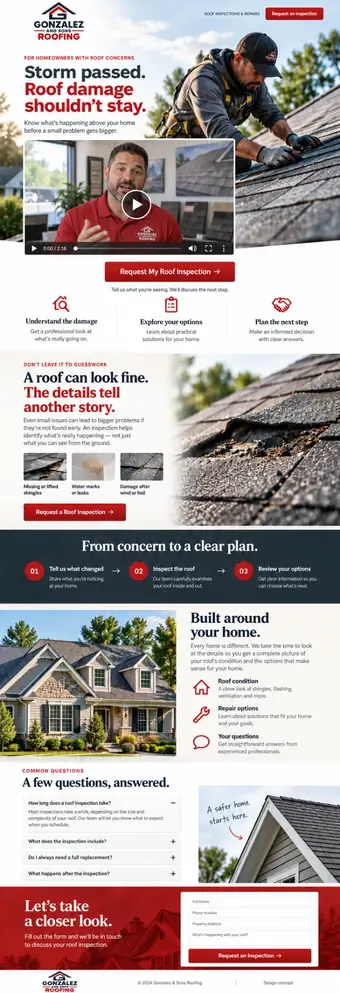
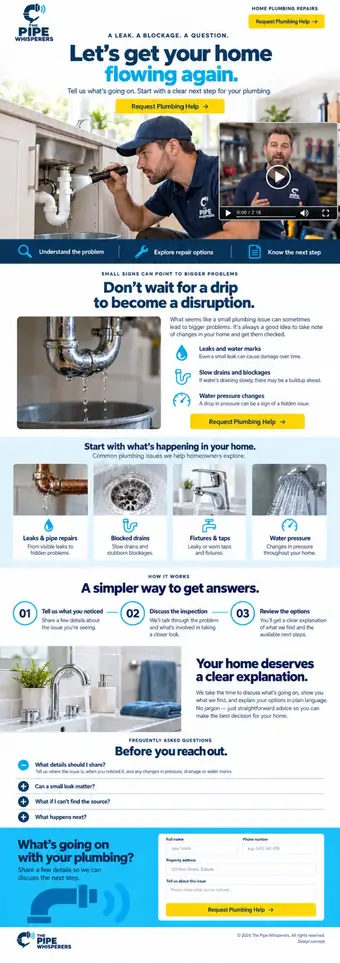
$100,000 IN NEW REVENUE IN 90 DAYS OR YOU DON'T PAY US.
Our team calls every lead within 5 minutes, follows up, books the appointment and rebooks no-shows. You show up and close the job.
Or skip the guarantee and pay $250 for every appointment we book.
WE LITERALLY WROTE THE BOOK ON…
HOW TO GET AS MANY CUSTOMERS AS YOU CAN POSSIBLY HANDLE
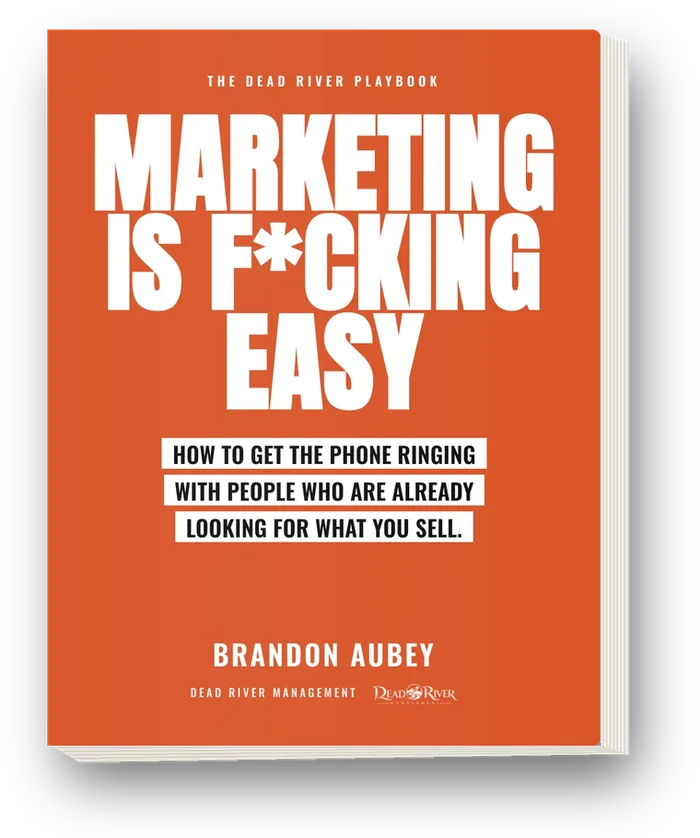
Marketing is F*cking Easy is the playbook we run inside Dead River, written so you can do it yourself. The system, the people already looking, the ads, and your first 90 days. 158 pages, no fluff, straight to what to do Monday morning.
Questions
Do I need expensive equipment to film business videos?
Should short business videos be vertical?
STILL SCROLLING? JUST HIT THE DAMN BUTTON.
People who are already looking. A phone that actually rings. A guarantee with your name on it.
Download your free book now
This $7 Million Marketing Playbook can get you more calls from the people already looking for you, in most cases WITHOUT spending another dollar on ads.