
By Brandon Aubey
In short: Every step we use to move a home service business up the Google Maps results. Profile, website, citations, and two things never to do.
Most of your calls come from Google Maps. That little map with three businesses on it. If you’re not in it, you’re not getting the call. This is the full list of what we do to get a client in there.
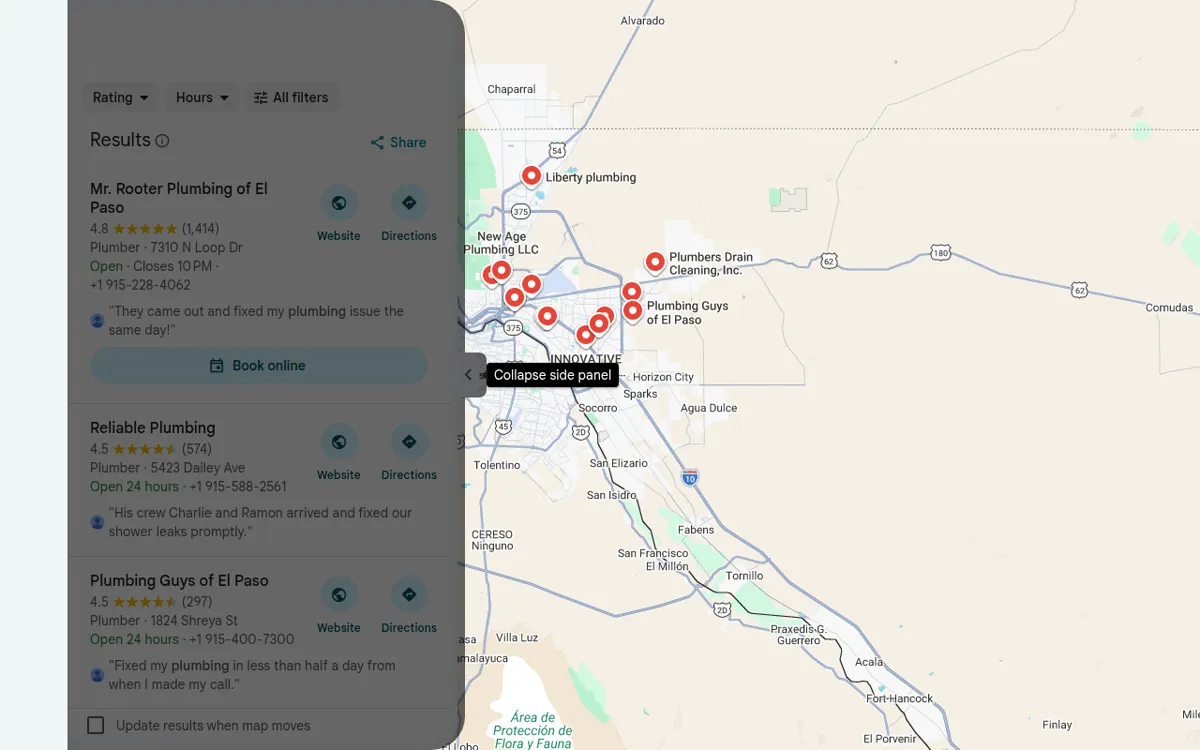
Start with the profile
Optimizing a Google Business Profile takes an hour or two. Everyone can do it. So it isn’t enough on its own. But you have to do it first.
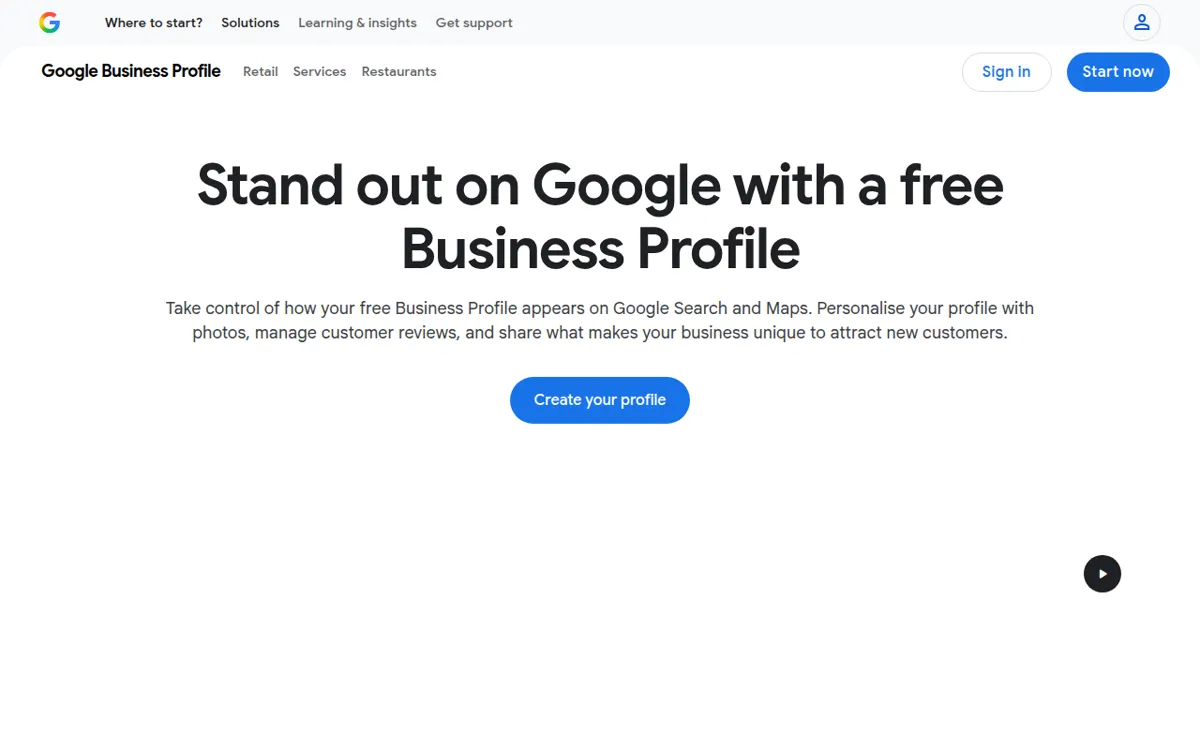
- Nail your primary category. It’s the biggest ranking factor there is. A roofer should be “Roofing contractor,” not “Contractor.”
- Add every service you offer. Click into each one and write a description. Put your city and your main keyword in it.
- Fill out every attribute and section. Hours, photos, the whole thing. Leave nothing blank.
- Fill out the service area section. Add every town you actually work in.
- Get new reviews every week. Consistency matters more than a big burst. Respond to every single one.
- Post often. Each post should mention one city you want to show up in. One city per post, not five.
Make your name, address, and phone match everywhere
This one gets out of hand fast. Google trusts your info more when it is the same on every site. That means exact. “St” and “Street” are not the same to Google.
- Open your Google Business Profile. Copy your name, address, and phone number exactly as written.
- Go to your website footer. Paste all three in, word for word.
- Google your business name in quotes. Click every site that mentions you.
- If any of them have your name, address, or phone wrong, fix it.
Get citations
A citation is a listing of your business on another site. Yellow Pages, the Chamber of Commerce, places like that. Each one shows your name, address, and phone.
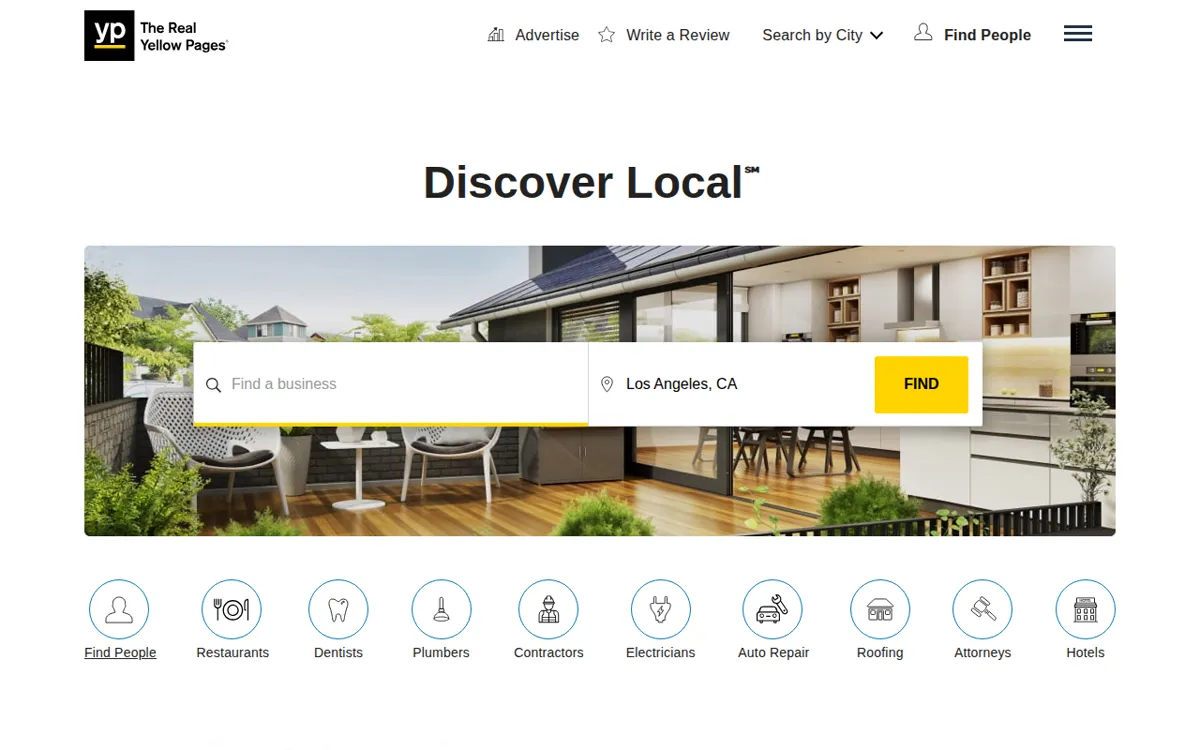
Google sees those three things repeated across the internet. The more they match, the more Google trusts you. We use BrightLocal for this. Yext does the same job. These tools also let you fix wrong info in one place.
Put your website to work
Here’s the thing most owners miss. Your website affects your Maps rank. You can’t optimize the profile once and hope for first place. The profile is the easy part. Your website sends signals back to it.
Embed your map on the contact page
- Go to Google Maps and search your business.
- Click Share, then Embed a map. Copy the HTML.
- Open your website’s contact page. Paste the code at the bottom.
This tells Google your website and your profile point to the same place. It takes two minutes.
One page per city
You can’t guess that Google knows you work in Socorro. You have to tell it. Build a real page on your website for each city you serve. Make each one unique. Pick one service per page. A roofer would build Roof Repair Horizon City. A plumber would build Water Heater Repair Socorro.
Stay realistic. A huge city or one far away is a long shot. Nearby towns usually work if you do it right. The best way to rank in another city is a second real location. That means its own profile. Most of us know that already.
See the hidden data
Your profile hides most of its numbers. Google Analytics, the free tool that tracks your website visits, can show them.
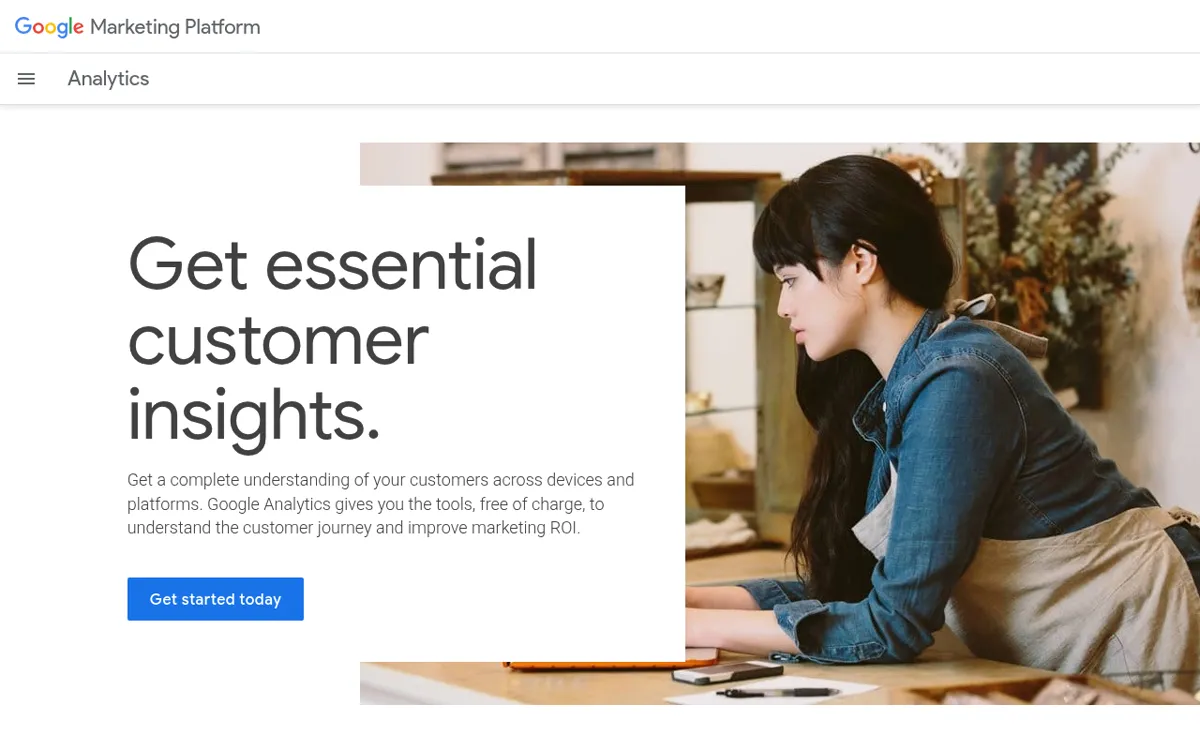
- Open Google Analytics. Click Admin at the bottom left.
- Scroll down to Product links. Click Google Business Profile links.
- Click Link. Choose your listing, select your profile, and submit.
- Go to Reports. You’ll see a new Business Profile tab.
Now you get real data from your profile that is normally hidden.
A note on Business Home
Google has a new dashboard called Business Home. It puts your Business Profile, your ads, YouTube, and Merchant Center in one place. It uses AI to update hours, answer reviews, and write posts. It also looks at everything together and tells you what to do next.
It’s invite only right now. To qualify, you need to be based in the US. You need a verified profile with under 10 locations. And you can only run one type of business in it. So get verified and keep your accounts clean. That’s how you get in when it opens up.
Two cautions
First, never delete a profile you are unsure about. We had a client open a new location. They made a duplicate of their original profile by accident. Google flagged it and deleted it. Except it was their main profile, the one all their business came from. They were about to go under. They resubmitted it and it got suspended right away. So we put together a long appeal. Honestly, I was nervous. It came back with one review. Two hours later, every review showed up again. I couldn’t believe it. So don’t click delete until you know for sure.
Second, competitors sometimes report profiles to get them suspended. It’s a real thing, and it works. Google takes the profile down first and asks questions later. So keep everything clean. Real address, real reviews, real info. Do things the right way and you win in the end.
Do these consistently and you climb the map pack. Want us to run it for you? See our Local SEO services and our El Paso page. Then book a strategy call.
We can do this for you
You can do everything above yourself. Most owners do not have the hours. Dead River Management builds and runs it for home service businesses. We work in El Paso and across the country. You keep running jobs. We handle the Google listing and local search work. You judge us on booked jobs, not reports. See Local SEO services, read about the Demand Flow guarantee, or book a strategy call.
Questions
What is the biggest Google Maps ranking factor?
Your primary category. Pick the one that matches the work you want most. Then fill out every other section of the profile.
Does my website affect my Google Maps rank?
Yes. Google reads your website to check that your profile is real. City pages, a matching footer, and an embedded map all help.
Should I delete a duplicate Google Business Profile?
Not until you are sure which one is which. We have seen the main profile get deleted by mistake. Ask for help before you click delete.
Based in El Paso. We serve El Paso, Horizon City, Socorro, and Las Cruces, and businesses nationwide.